

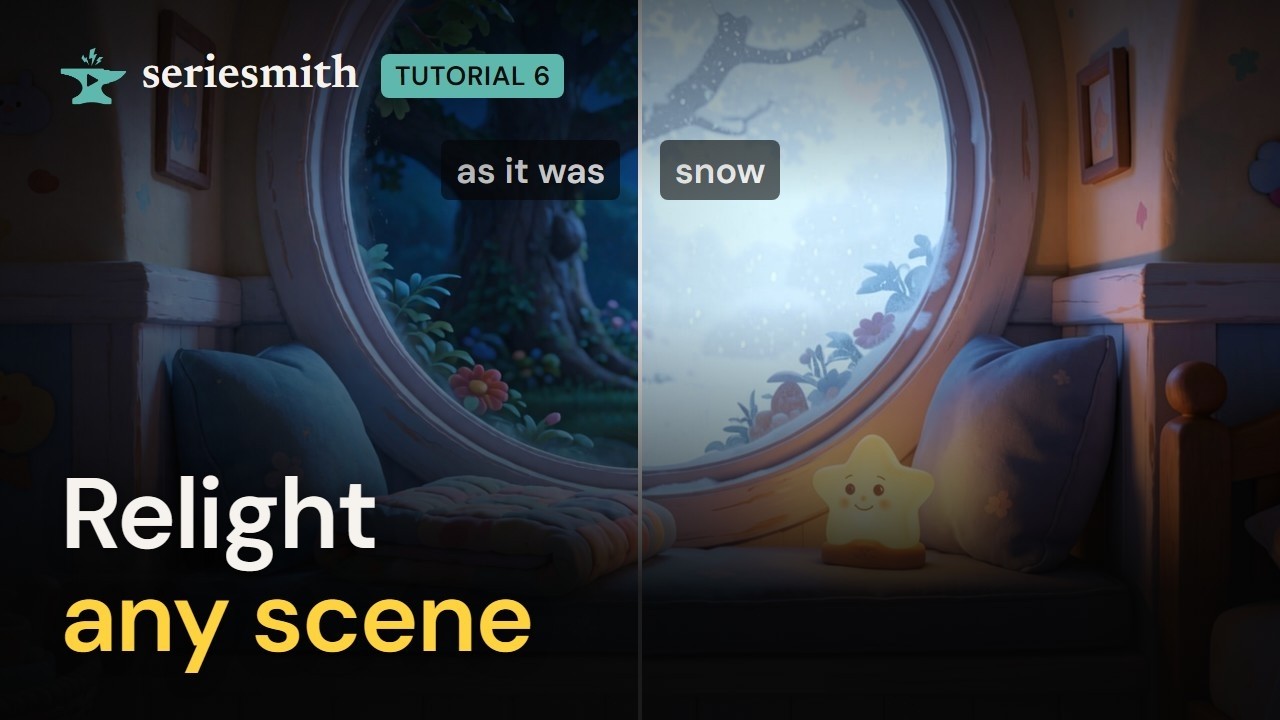
Watch tutorial 6 on YouTube
Relighting: the same places, under another light.
1. One plate, relit
1
Open the edit window
Refs → the window_seat location → Edit live… (or Edit on a candidate).
2
Pick a relight
The Relight row above the instruction shows the presets as pictures, each the same
sample place under that light: time of day (dawn to night), weather (overcast, rain, fog,
snow, storm) and light (neon, moonlight, streetlights, firelight, sunbeams…). Click one:
it fills the instruction, which stays yours to edit.
3
Read the instruction, then queue it
Read the words before you run them (see part 3), then press Queue Edit.
4
Compare
Each relight is a new candidate; the original stays. Compare them side by side, and press
Pick on the one to use.
2. A relight of your own
1
Write the light yourself
In the same edit window, type your own instruction:
2
Save as a relight…
Press Save as a relight… under the Relight row and name it (candlelight). It’s
offered under Yours in every show on this machine, in the edit window and on a
sequence’s Relight…. ✕ on its tile removes it.
3
Give it a picture (optional)
Until it has one, its tile shows its words. On an edited take, save as a relight…
beside its instruction keeps it with that take’s picture as its tile.
3. When a relight adds things
A relight names where its light comes from, and the edit model can draw in what it names. Firelight that mentions candles and a brazier gets candles; dusk with “the street lamps lit” in a room with no street gets a street drawn outside; snow that “lies on every surface” lies on the cushions indoors.1
Read what it says
Before Queue Edit, read the instruction against the picture. Does it name a lamp, a
window, a fire, a street the picture hasn’t got?
2
Cut the word, don't add a no
Delete what isn’t there. Don’t add no lamps: that puts the word in all the same.
3
Say what's outside and what isn't
For weather, say where it is: snow is falling outside the window, the yard and the tree
covered in snow, not snow on every surface.
4
Compare with the original
Side by side, look for anything new besides the light.
4. A whole sequence under another light
For a flashback, a dream or a night version: every plate a sequence uses, relit at once.1
Relight… on the sequence
Shots → the sequence’s header (sq01) → Relight….
2
Pick the light
Pick a relight picture (Snow, Dusk, one of Yours) or say it in your own words.
The dialog lists what it will make before you start.
3
Point the sequence at the relit plates
Leave Point sq01 at the relit plates on: it rewrites the sequence’s location and its
shots’
plate: lines so the next render uses the new plates (the script keeps a history
copy). Press Relight.4
Pick the new plates
Each plate becomes a new location (
window_seat_dusk), made from the plate itself, so the
old one is still there. Pick the takes in Refs as usual.5
Re-render the sequence
On the sequence’s header, Re-render…: every shot again as a new take, with the same
seeds, so only the light has changed. Your old takes stay.
Next
7 · The look builder
Not one place: the whole series, another look.
The editor: making references
Relight, Save as a relight and Relight… in detail.