

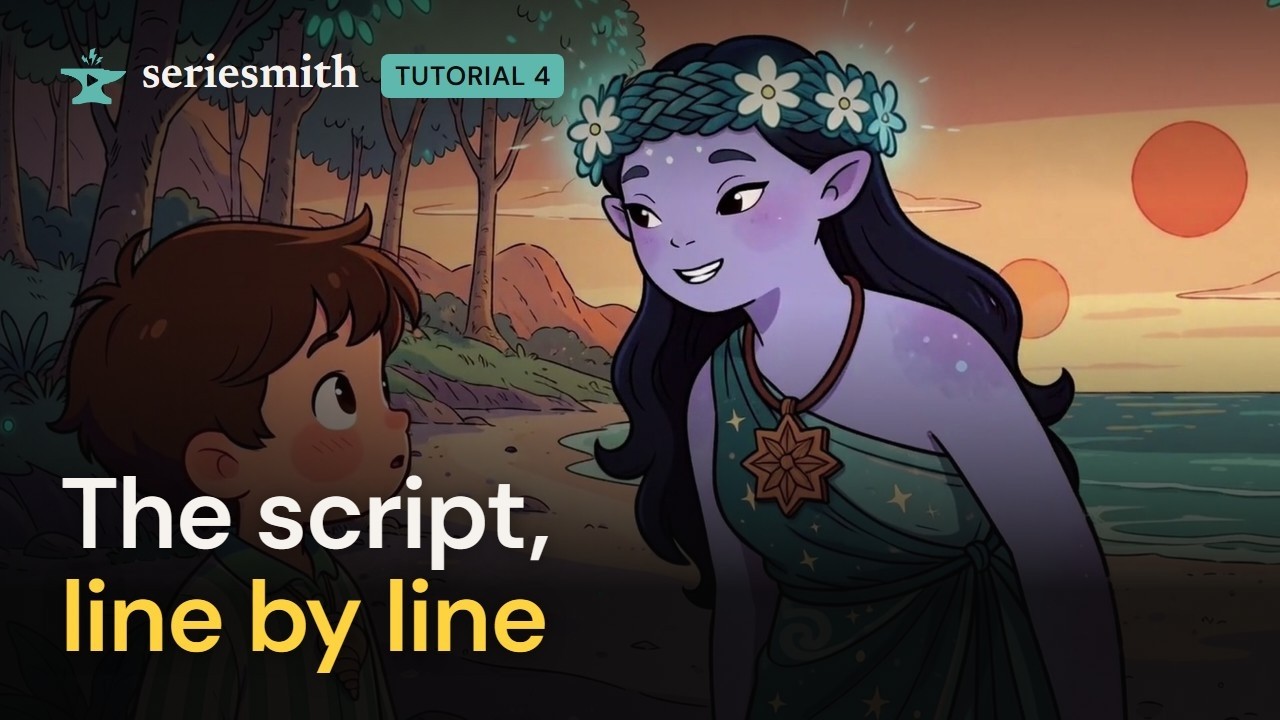
Watch tutorial 4 on YouTube
The script in 90 seconds: the script, the series config and the prompt side by side.
epNN.md, and every
person and place in it is described once in the series config, series.json. The build
turns the two into what each video model is told. This tutorial writes a shot by hand,
explains each line, and then edits the same shot in the editor.
The example is Dean and the Grumpy Star-Horse (a 2D storybook episode on MiniMax H3).
The authoring guide is the full format.
1. Make the episode’s two files
1
Make an episode to write into
In the editor: Project folders (the episode dropdown → Browse and add new…) →
the show’s folder → New episode… (or New series/project… for a new show). Or from
a terminal:Either writes a
series.json and a script that build, to change into your own.2
Open the script
In the Shots toolbar, the file-edit icon opens the Script window: the episode’s
epNN.md as text. The book icon opens series.json the same way; the cog opens it as a
form (Series settings). Ctrl+S saves either window.2. A shot, line by line
Here is one shot, and the sequence header it sits under:1
# sq02 purple_beach: the sequence
A sequence happens in one place. The word after its id is a location’s key in the series
config, where the place is described and its plate picture named. Every shot under it is
there unless it says otherwise.
2
## sh040: the shot
Every
## is a cut: one shot, one clip. Number shots in tens (sh010, sh020) so there’s
room to add sh015 later. The id also sets the shot’s random seed, so a re-render of an
unchanged shot is the same take.3
who: the people in it
Characters’ keys, in order. Each one’s picture goes in with the prompt (“Exactly two
characters appear in this shot…”). Props go on a
with: line after it.4
size: how close
From extreme close-up to extreme wide:
ecu, cu (or close), mcu, medium,
cowboy, mws, full, wide, ews, or an angle: pov, ots, low, high. Cowboy
is mid-thigh up, and the prompt says so.5
dur: how long
Seconds (
dur: 4), or auto: as long as the shot’s dialogue takes to say. Each model
renders on its own frame grid, so the length is rounded to it.6
plate: the picture behind them
Optional. Without it, the shot uses the sequence’s location. A closer angle of a place can
be a location of its own, named here.
7
The action
Any line that isn’t a field is the action: what we see, in the present tense, plainly, as
you’d tell a camera crew. Say where people are in the frame (“from frame right”).
8
camera: one move
In plain words, without “The camera”:
pushes in at slow speed, pans left, holds a static shot. It becomes “The camera pushes in at slow speed.”9
LANI: a line
The speaker’s key in capitals, as in a screenplay, then the words. How the voice sounds is
the character’s
voice in the series config.10
sound: what we hear
The scene’s sounds besides the lines: ambience and the sounds of the action.
3. The series config behind it
The script names people and places by key;series.json says once what they look like,
and the build says it in every shot they’re in. That’s why Dean looks like himself
throughout.
4. A few more lines
(V.O.): heard, not seen. The narrator is a character with avoiceand no picture.(O.S.)is off-screen but in the scene.music:: the score, under the scene. Leave it out for none.(whisper): how a line is said. Any short direction works:(breathless),(flat).extras:: people in the background, described so they don’t look like your cast.
5. Check and build
1
Save
Ctrl+S in the Script window. A copy of the old script goes into the episode’s
_history/.2
Build
Press Build on the episode’s card. It compiles every shot for both passes and lists
any warnings (a line too long for its shot, a name the series config doesn’t have). From
a terminal:
seriesmith check Shows\ep01, then seriesmith build Shows\ep01.6. The same shot, in the editor’s form
1
Edit shot
Select sh040 and press the pencil in the Shots toolbar (or right-click → Edit shot…).
The form is the same lines as fields. Beside it is What the model is told: the prompt,
compiled as you type, with the dialogue’s pace against the shot’s length.
2
Change the framing
Pick Framing from its list (medium → cowboy): the prompt’s opening changes with it.
3
Change the action
Type into What happens (Dean looks at her in awe.): the words appear in the prompt.
4
Save
Save writes only this shot’s lines into the script, keeping your comments, and
rebuilds. Save and generate also queues a take.
Next
5 · References
What the model is told, done. Next: the pictures it’s shown.
Writing an episode
Every field, the frame grids, and how to break a scene into shots.